
More Google reviews. More customers who come back.
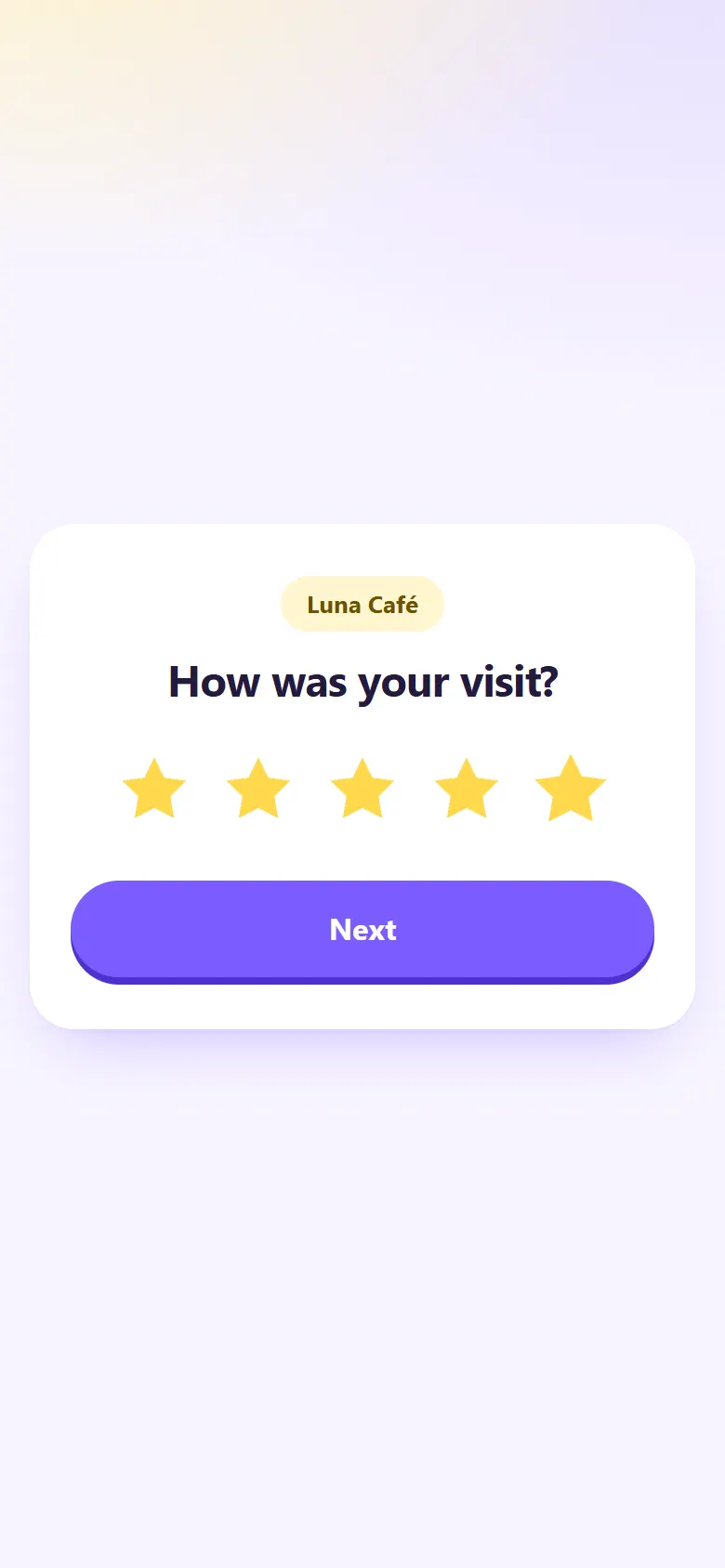
One QR code asks for a rating and offers everyone your Google review link; another hands out a coupon for their next visit.
Free plan: unlimited static codes and {codes} trackable codes. No card needed.
How it works
Three steps to more reviews and more customers who come back.
-
Paste your Google review link
Copy it from your Google Business Profile with “Ask for reviews”, then add your business name.
-
Print it where people pay
Put it by the register, on receipts or on tables, with a “Leave us a review” frame in your colours.
-
See what customers say
Ratings, private messages and how many people went on to Google show up in your dashboard.
Reviews and return visits, in one place
A review booster and coupons, built for local businesses.
Follows Google's rules
Customers pick 1 to 5 stars, then everyone is offered your Google review link, whatever they chose. Google doesn't allow asking only happy customers, so the Google option is never hidden.
Hear about problems in private
Customers who give 1 to 3 stars can also send you a private message, so you can make things right. They can still post on Google if they'd rather.
Coupons that bring people back
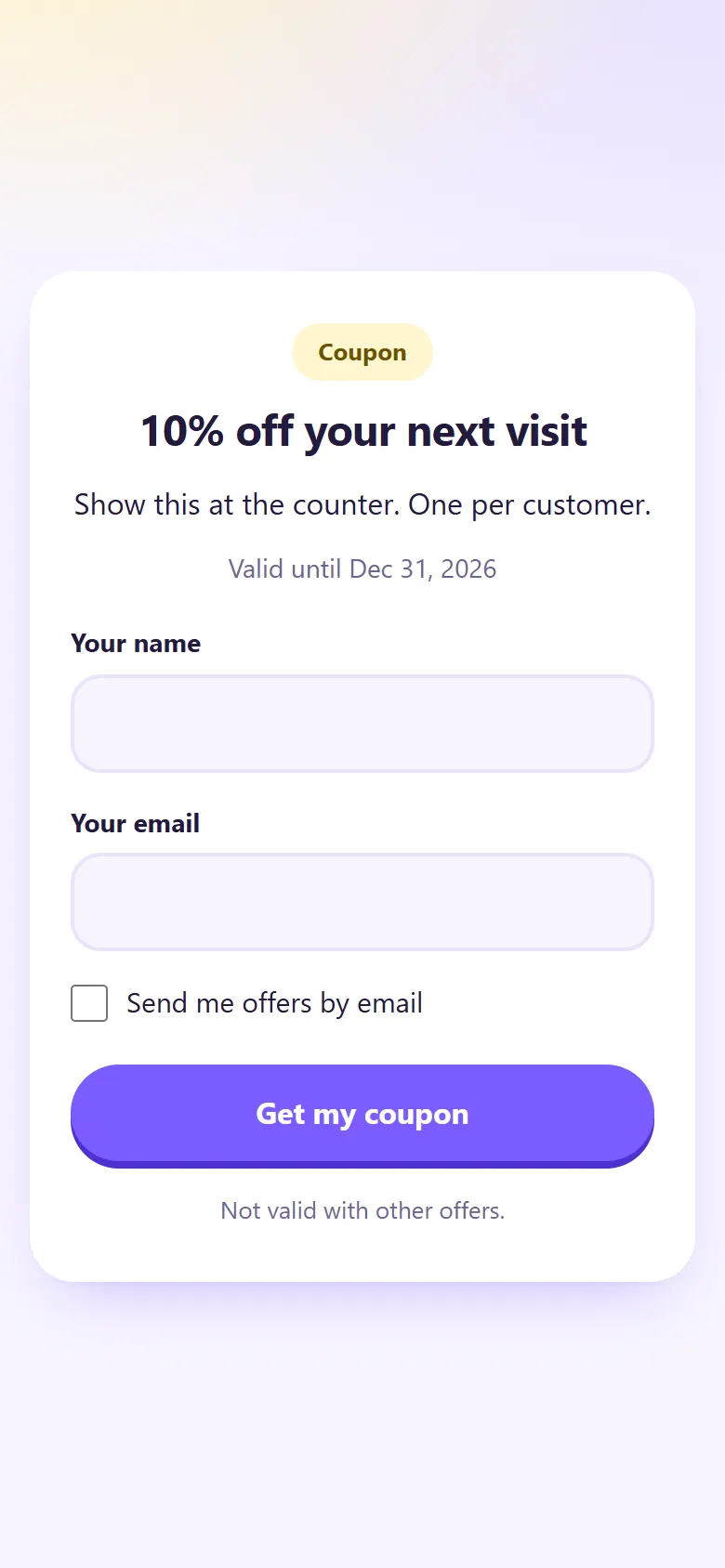
Customers get the coupon in one tap, or after leaving their email, name or phone. They choose whether to get your offers by email.
It all shows in your dashboard
Ratings, private messages, how many went to Google, coupon claims and redemptions, and scans per day for every code.
Scan, save and come back
Put a coupon on a flyer, a receipt or the window. People scan it, get the offer and come back to use it.
- In one tap, or after they leave their contact details
- An opt-in box for your email offers
- One-time codes your staff mark as used with a PIN (Premium and Pro)
- An expiry date and your own terms, if you like
Start free
Make a review code and a coupon on the Free plan. Premium adds one-time coupon codes, more ratings a month and detailed stats.
Questions
Is this allowed by Google?
It's built to follow Google's rules. Google doesn't allow asking only happy customers for reviews, so every customer is offered your Google link, whatever rating they gave.
What happens when someone gives a low rating?
They can tell you privately what went wrong, and they still get a link to post on Google if they'd rather. Their message shows up in your dashboard.
Where do I find my Google review link?
In your Google Business Profile, click “Ask for reviews” and copy the link. Paste it into your review code.
Do customers have to give their email to get a coupon?
Only if you want them to. The coupon can open in one tap, or after they leave their email, plus their name or phone if you ask for them. Offers by email are opt-in.
How do one-time coupon codes work?
Each customer gets their own code. Your staff type your PIN on the customer's phone to mark it as used, and you see every claim and redemption in your dashboard. One-time codes come with Premium and Pro.
What if I get more ratings than my plan counts?
The Free plan collects {responses} ratings a month. After that, the page still offers your Google review link, so no customer is turned away.

Ask every customer for a review
Make your review code on the Free plan. No card needed.
Create your free QR code